
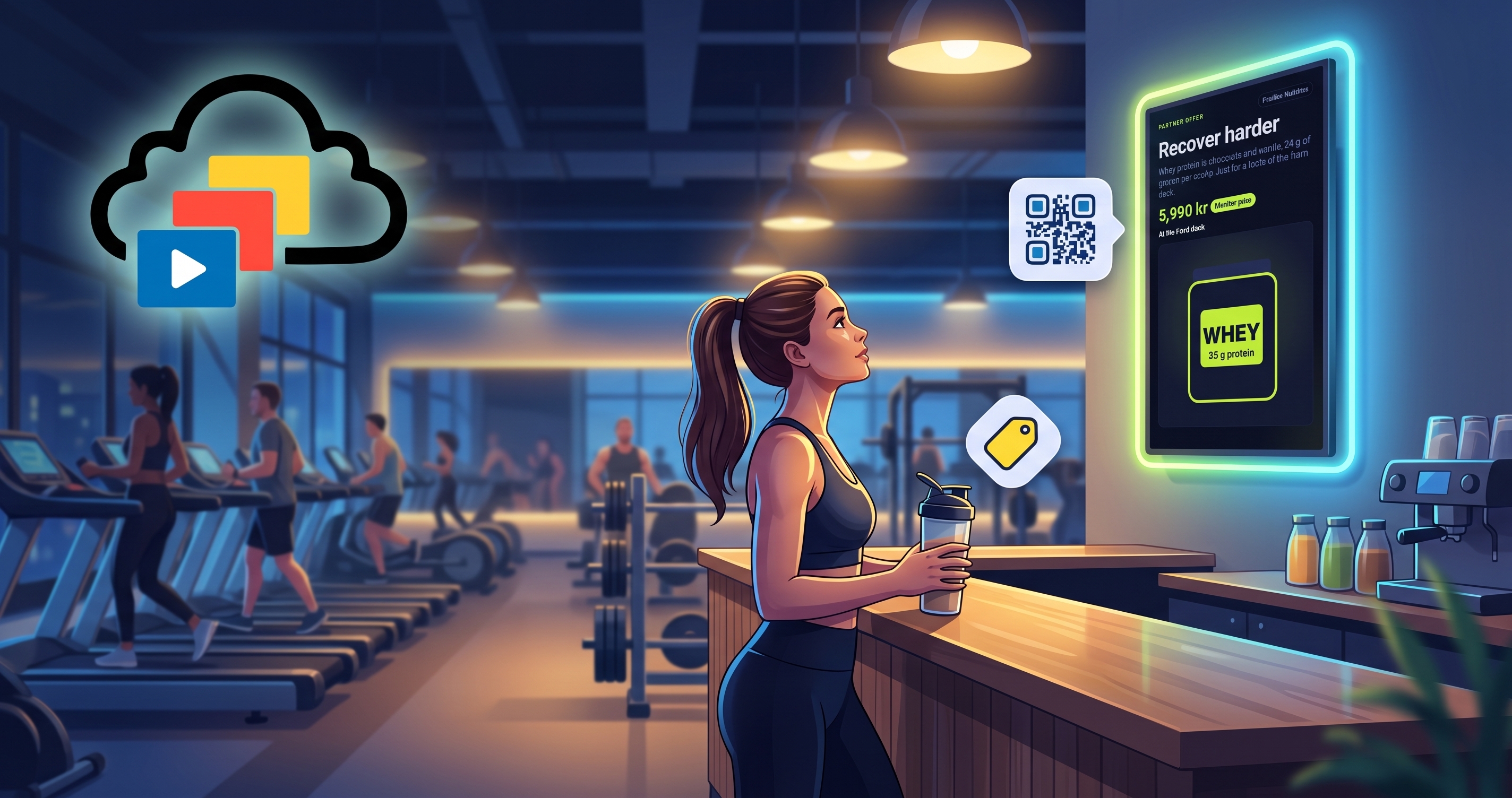
Most gyms already sell advertising space without calling it that. A protein brand puts a poster by the juice bar, a kit supplier pays for a banner, a physio leaves a stand of leaflets. Digital signage for gym advertising makes that easier to manage and easier to change. It also makes the clash worse, because a supplier's artwork looks nothing like your club.
This guide covers how to run partner offers on gym screens so they look like part of your club, how to set them up and what to charge for them, and what else belongs on the same screens.
Why supplier artwork looks wrong on your screens
A supplier sends the artwork that suits their brand: their colours, their fonts, their logo front and centre. Played between your own slides, it breaks the look of the loop and members tune it out. If the offer is the point, it should look like part of the place that is making it.
How do you show partner offers on gym screens?
Keep your logo, colours and fonts constant, and let the supplier supply only what changes: the product image, the headline, the price or offer, and a QR code. InfoSlides has a partner offer template for exactly that. It draws the supplier's content inside your branding from your brand guide, with a small "Partner" label so members can tell it is an offer.
Check the showcase slideshow below, it only has a sample partner slide, but it can easily be updated to include product details and a scannable QR code to scan to open the product page. If you use the new Brand feature the slides will adjust perfectly to your brand, logo and colours.
The setup is short: pick the template, add the supplier's image, headline, offer and QR link, then add the slide to the loop on the screens where you want it.
Which partners fit a gym screen?
Start with suppliers whose products members already buy at your club or ask you about:
- Supplements and drinks. The natural fit, especially near the juice bar or shop.
- Kit and apparel. Works best with one product and a clear price.
- Local services. Physios, massage therapists, nutritionists and cafés nearby.
- Your own offers. A personal training bundle or a guest pass fits the same template and is a good first test.
Where should partner ads go in the gym?
Put offers where members stand or wait: the entrance and reception, the cardio floor, the queue at the juice bar and the changing room corridor. Keep the loop short on screens where people only glance, and let a screen in a waiting area carry more slides. Match the offer to the place, so a hydration offer sits by the water station and a physio offer sits near the stretching area.
How often should partner ads play?
A partner slide in every third or fourth position is a sensible starting point, and a partner slide only needs a few seconds on screen. Keep one offer per slide: a single headline, a single price and a single QR code. Watch the loop for a week, then adjust. If members stop reading the screens, there are too many offers, not too few screens.
Rules that keep it trustworthy
- Label it. Members should be able to tell an offer from your own news.
- Check the supplier agreement. Some brands insist on their own artwork. Agree what you may change before you restyle anything.
- One offer per slide. Keep the message to a single headline, price and QR code.
- Match the offer to the hour. A recovery shake offer reads better in the evening than at six in the morning. Give the slide a time-of-day condition so it only plays when it makes sense.
How do you price gym screen advertising?
There is no standard rate, so agree the model first and the number second. The common options are:
- A flat monthly fee per screen or per group of screens. Simple to explain and easy to invoice.
- A sponsor package. One supplier sponsors the juice bar screens, the class timetable or a member challenge for a season, with their logo in a fixed place.
- A trade arrangement. Product for your shop or café in return for screen time.
- A cut of sales. A discount code or QR link lets you count what the offer sold and agree a share.
Price against what members see: the number of visits your club gets, the number of screens and how many times the offer plays each day.
How do you see what the offer did?
A QR code to a member-only page or a discount code lets you count responses. Ask the supplier what they can report on their side. If the numbers are low, change the slide, not the screen: a clearer headline, a better product image or a different time of day usually does more than adding another screen.
What else belongs on the same screens?
The advertising slides work better when the rest of the loop is useful. Members look at a screen that tells them how busy the gym is, what class starts next and whether it has spaces left. InfoSlides has boards for live occupancy, a class timetable, sauna sessions and a member challenge. They are fed by whatever can call the InfoSlides API, such as a door counter, a booking tool or a script, and they need a paid plan because they use live-data slides. The digital signage for gyms page shows a sample.
Here is a finished sample for a fictional club. The boards are fed with simulated numbers, so the class times, headcount and sauna sessions keep moving. It plays in a browser, and you can take a copy into your own workspace.
Start with one offer
Pick one supplier you already work with, take the product image and a price, and put it on one screen. See how members react before you add more.