
Hardware-Free Digital Signage for Any Smart TV
Put your PowerPoint, PDF or Google Slides on any TV. Pair the screen with a code and manage it from your browser.
Free plan for one screen. No credit card required.
What changes for you
Screens that update themselves
Menus switch by time of day, and weather, news or your own data refresh without anyone at the screen.
Read moreUse what you already have
Upload the PowerPoint, PDF or Google Slides deck you already maintain, or let an AI agent set it up for you.
Read moreRuns on the TVs you own
Pair an LG, Android or Samsung TV, or any smart TV with a browser, with no player box to buy.
Read moreScreens that update themselves. Set a schedule and each screen plays the right slideshow at the right hour, which is how a digital menu board moves from breakfast to lunch to dinner. Slide rules show or hide a slide by time of day, day of week or whether fresh data has arrived. Live-data slides such as weather, road conditions, RSS news, calendars and Google Reviews redraw on their own. Live-data slides start on the Starter plan.
Use what you already have. A .pptx or PDF uploads with no video export step. Layout and text carry over; PowerPoint animations and transitions do not. Google Slides decks import from the dashboard, up to 10 MB as exported. The agent route is described under "For agents and people who script" below.
Runs on the TVs you own. LG webOS and Android TV (TVs and tablets, not phones) have native apps. Samsung TVs pair through the built-in browser while the native Samsung app clears store review. Any other smart TV opens infoslides.app/pair in its browser.
Who uses InfoSlides
Putting a menu on a screen? See digital menu board software.
Hotels and venues
Event schedules, weather and guest information on the lobby screen, from one dashboard.
See the pageOffices
A lobby board and meeting room displays, made from slides your team already writes.
See the pageGyms and fitness clubs
Live class times, how busy the gym is and sauna sessions on the screens you already have.
See the pageTravel and tourism
Road conditions, weather alerts and avalanche forecasts on hotel and visitor centre screens.
See the pageRestaurants and cafés. The menu you already keep in PowerPoint goes on the screen, and day-part scheduling replaces carrying USB sticks between TVs. A scrolling ticker can carry the day's specials, and Professional plans can show Google Reviews on the menu board.
Hotels and venues. Show the day's events, local weather and wayfinding on every lobby screen, and switch content by time of day. Several screens are managed from one place, and the team gets role-based access.
Offices. Announcements run on a schedule, news and data feeds can sit alongside them, and every screen is monitored from the dashboard. The same workspace covers several locations.
Schools. Staff keep using the presentations they already create. Content follows the school day, and departments each get access to the screens they own. Any browser can update a screen.
Retail. Upload the promotional material you already have, time a sale to start and end, and manage every location from one dashboard. A product spreadsheet can become a loop of slides with AI Studio.
Travel and tourism. Live Iceland data slides cover avalanche forecasts, weather alerts, landslide alerts, the Northern Lights forecast, earthquakes, road conditions, a Windy weather map and Icelandic news. Printed sheets go out of date within hours, and a screen does not.
Small business. Any smart TV becomes a screen for the business with no media player. Slides come from a presentation you already have, from a template or from AI Studio, and the same dashboard runs one screen or fifty.
Gyms and fitness clubs. Boards for live occupancy, class times with spots left, sauna sessions and a member challenge redraw when the numbers change, and partner offers appear in the club's own branding. A door counter, a booking tool or a script pushes the data. Live-data slides start on the Starter plan.
How it works
Upload
Add a PowerPoint, PDF or Google Slides deck, or build a slide in the browser.
Pair
Open InfoSlides on the TV and pair it with a six-character code or a QR code.
Schedule
Choose what plays when, such as one menu for breakfast and another for lunch.
Upload. Slides can also come from AI Studio, from a live-data source such as weather or news, or from a single image or video. All of them mix freely in one slideshow, for example a PowerPoint deck, a weather slide and an AI-drafted promo played back to back.
Pair. The TV app, or infoslides.app/pair in a browser, shows the code. The screen then appears in your workspace and plays what you assign to it.
Schedule. A schedule assigns slideshows to time slots per screen. The screen follows it without anyone refreshing it, and the workspace time zone decides when each slot starts.
Two ways to reach the screen
Video stream
One continuous video that plays on any TV, including TVs that cannot run a browser.
Read moreLive playback
The screen cycles the slides itself and refreshes as often as your data changes.
Read moreVideo stream. InfoSlides renders slides into a continuous HLS video that plays on anything that speaks HLS, including hardware players. It suits content that stays the same between renders. A change needs a new render before it reaches the screen.
Live playback. The player cycles rendered slides from a manifest instead of a video, so a refresh skips the video encode and can run far more often. It suits live prices, fast feeds and boards that go stale quickly. It needs a screen that can run the player: browsers, Android TV 1.2.0 and newer, with the Samsung and LG apps rolling out through their stores. New workspaces choose the mode automatically.
AI Studio drafts your slides
Describe a slide, speak it or photograph a printed menu, and AI Studio drafts it with your logo and colours. It uses only the facts you give it and copies your prices and times as you wrote them.
AI Studio also takes a web link, a document or a spreadsheet. It writes the copy, picks the layout and applies your logo and brand colour. You preview and confirm each slide before it goes live, and live-data slides come back already connected to a source. AI Studio is free to try for 7 days, then part of the paid plans.
For agents and people who script
An MCP server lets an AI agent run your screens. A command line tool and an API cover scripting and your own systems.
The CLI signs in with your account in the browser and works with Google, Microsoft or GitHub. Claude Code and Cursor can run the same tools locally as an MCP server. The REST API reference is at /docs/api.
Pricing, proof and trust
Sign in your way
Sign in with Google, Microsoft, or an email and password.
Offline screens flagged
The dashboard shows when a screen goes offline and what it was playing.
Your media stays
InfoSlides keeps your uploaded media if you change plan.
Change plans yourself
Switch between monthly and annual billing, or change plan, from the dashboard.
Sign in your way. Team members get roles: content managers handle slideshows, device managers handle screens and admins run the workspace. Each workspace is separate from every other.
Offline screens flagged. The playback report shows per-device uptime, health status and whether each screen showed the right content for its schedule.
Your media stays. Each workspace has a storage quota. Media assets are preserved if you downgrade, and nothing is deleted without an explicit action.
Change plans yourself. Billing and plan changes are self-service. The free plan needs no credit card.
From the blog
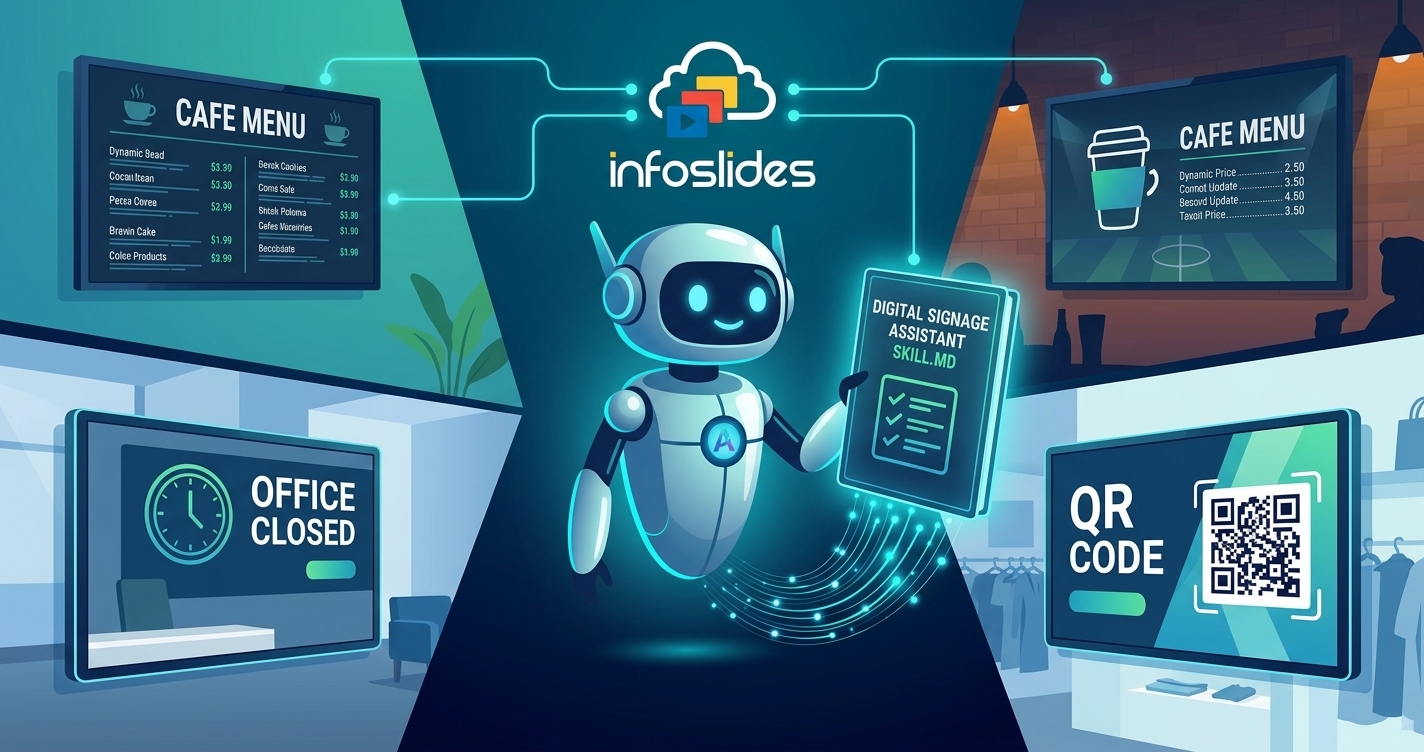
Teach your AI agent to run your screens: the InfoSlides Digital Signage Assistant
Give your AI agent a skill for running InfoSlides screens. It finds slides by name, designs for your TV, and checks the result. Free to install.
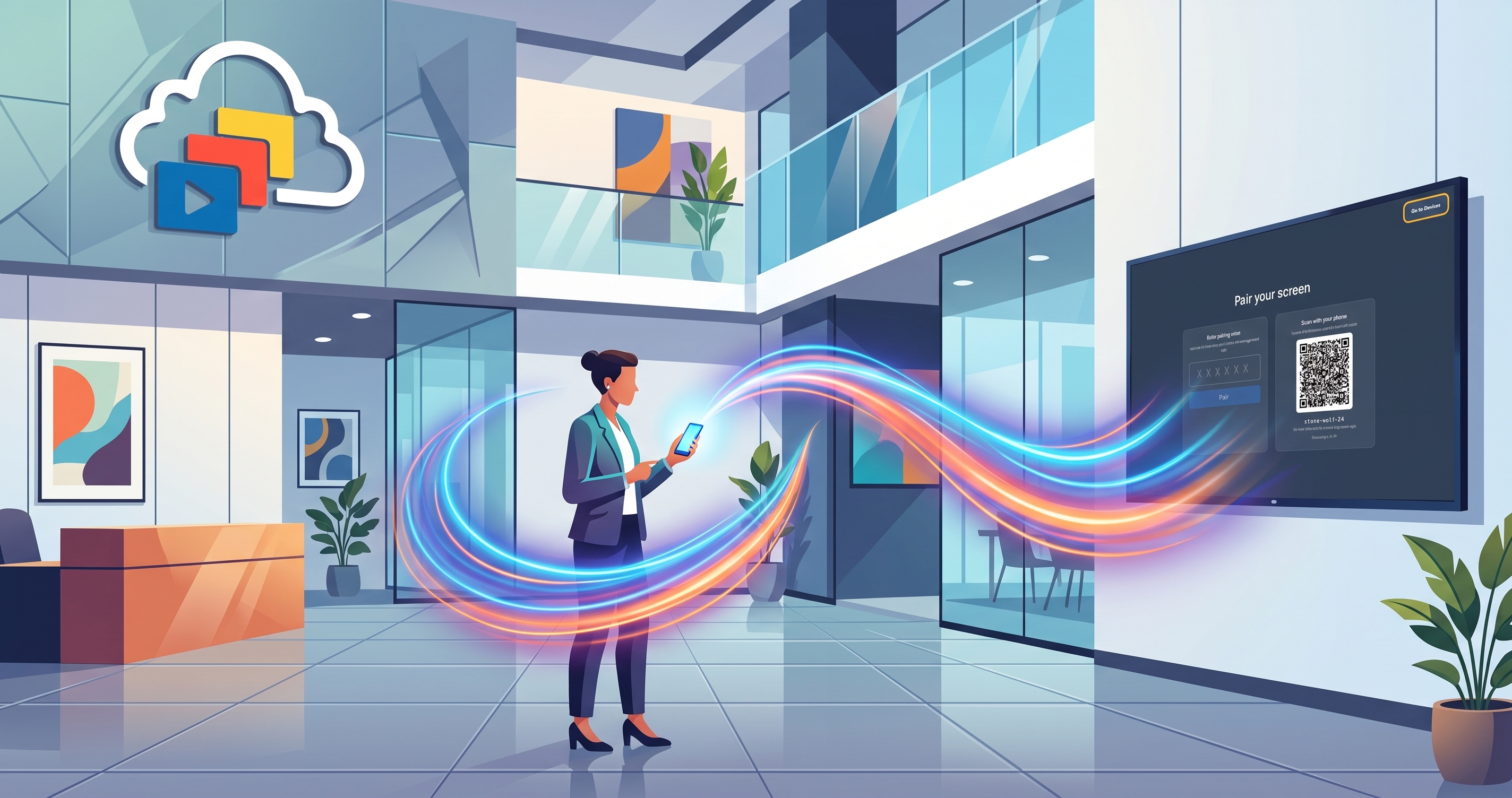
Ask your agent to run your screens
Run your InfoSlides digital signage using natural language. Let your AI agent pair screens, update live data, and schedule slideshows automatically.
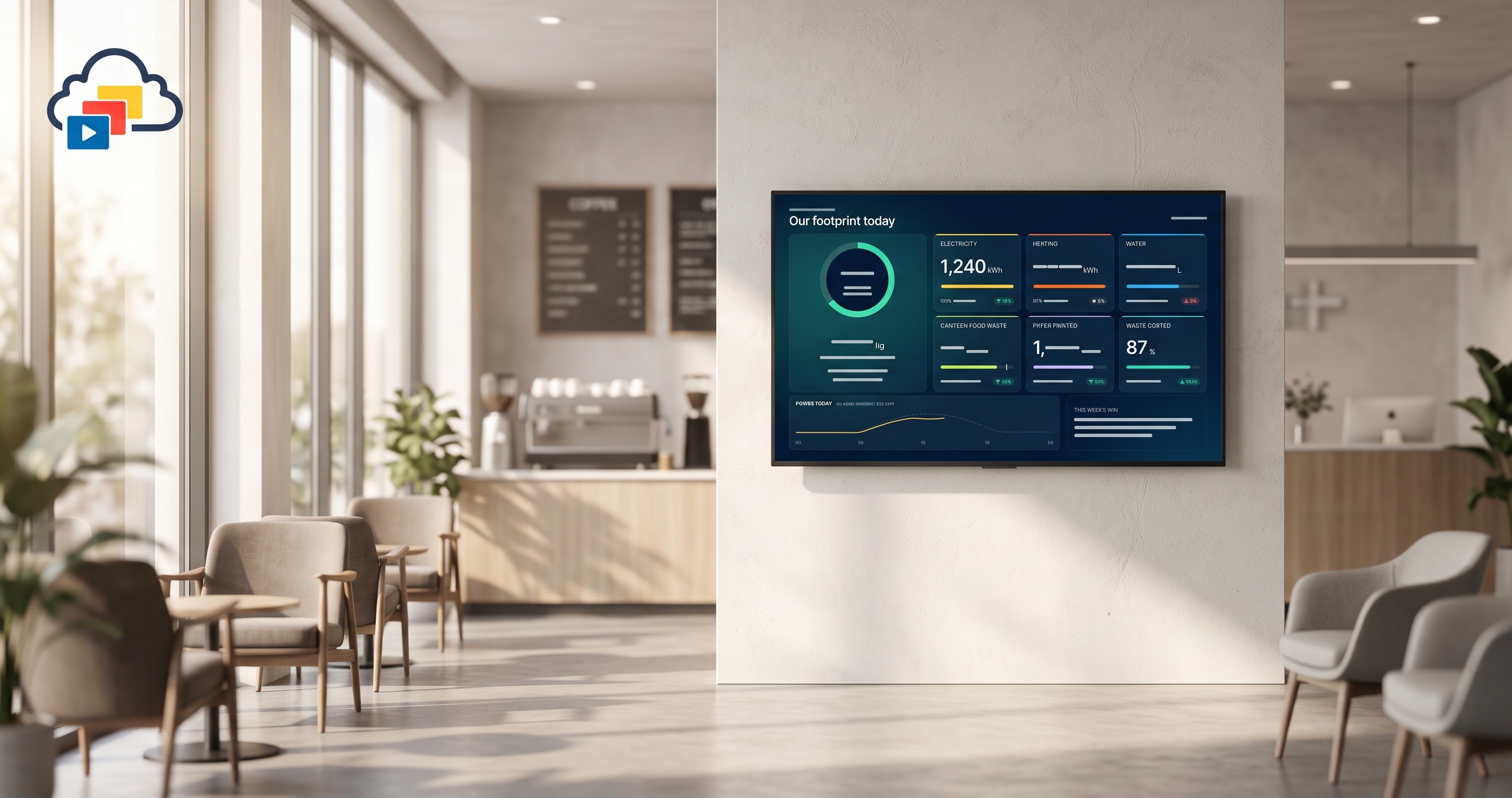
Live data templates: automate TV screens with your digital signage API
Push live data to TV screens through a digital signage API: build HTML/CSS templates, connect data, and automate with the MCP server.
Frequently asked questions
Which digital signage software works with PowerPoint?
InfoSlides is digital signage software that plays PowerPoint, PDF and Google Slides decks on a screen. Upload a .pptx or a PDF, or import a deck from Google Slides, and InfoSlides turns it into what your screen plays. There is no new editor to learn.
Can I run digital signage on a smart TV without a media player?
Yes. InfoSlides runs on the smart TV you already own, so there is no media player box or HDMI stick to buy.
Is there free digital signage software for one screen?
Yes. The InfoSlides free plan covers one screen, four slideshows, two users and 200 MB of storage, with no expiry and no credit card. Streams carry a small "Powered by InfoSlides" watermark. Live-data slides start on the Starter plan.
Which screens can show digital signage?
InfoSlides works on any smart TV, monitor or display with a browser. It has native apps for LG webOS and Android TV, and Samsung TVs pair through the built-in browser while the Samsung app is in store review.
Can several people manage digital signage content?
Yes. InfoSlides gives team members roles: content managers handle slideshows, device managers handle screens, and admins run the workspace. Each plan includes a number of users.
Can AI make digital signage slides?
Yes. InfoSlides AI Studio turns a description, a voice memo, a photo, a web link, a document or a spreadsheet into slides with your logo and colours. You preview each slide before it goes live. It is part of the paid plans, with a 7-day free trial.
What kinds of businesses use digital signage software like InfoSlides?
InfoSlides is used by restaurants and cafés, hotels, offices, schools, retail shops and visitor centres. Most are small or mid-sized businesses that already make their content in PowerPoint.
Which digital signage can an AI assistant like Claude or Grok manage?
InfoSlides can be connected to Claude and Grok as a custom connector, so the assistant can manage your slideshows and screens on your behalf. Listings in the assistants' own directories are still pending, so for now the connector is added by hand.