
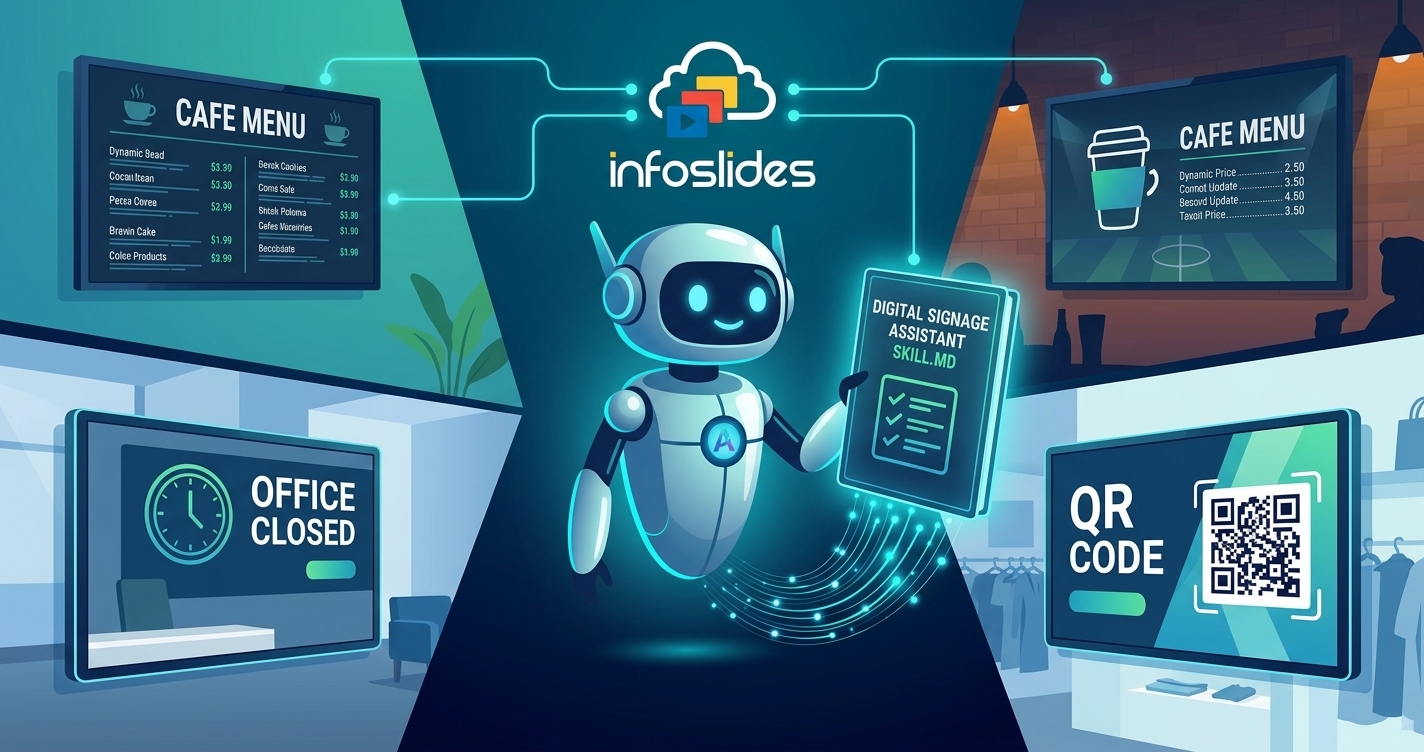
Teach your AI agent to run your screens: the InfoSlides Digital Signage Assistant
Give your AI agent a skill for running InfoSlides screens. It finds slides by name, designs for your TV, and checks the result. Free to install.
Read article →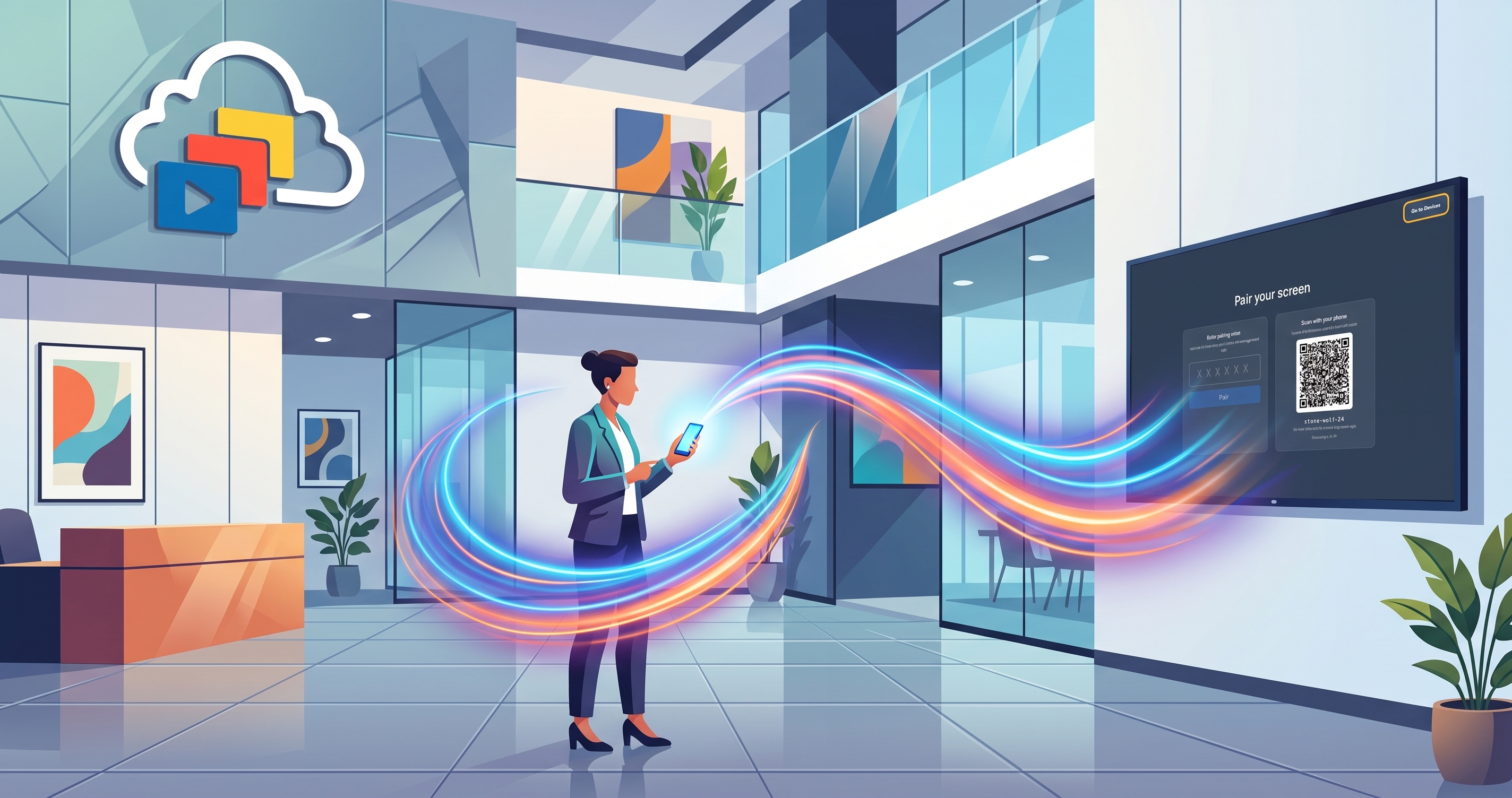
Ask your agent to run your screens
Run your InfoSlides digital signage using natural language. Let your AI agent pair screens, update live data, and schedule slideshows automatically.
Read article →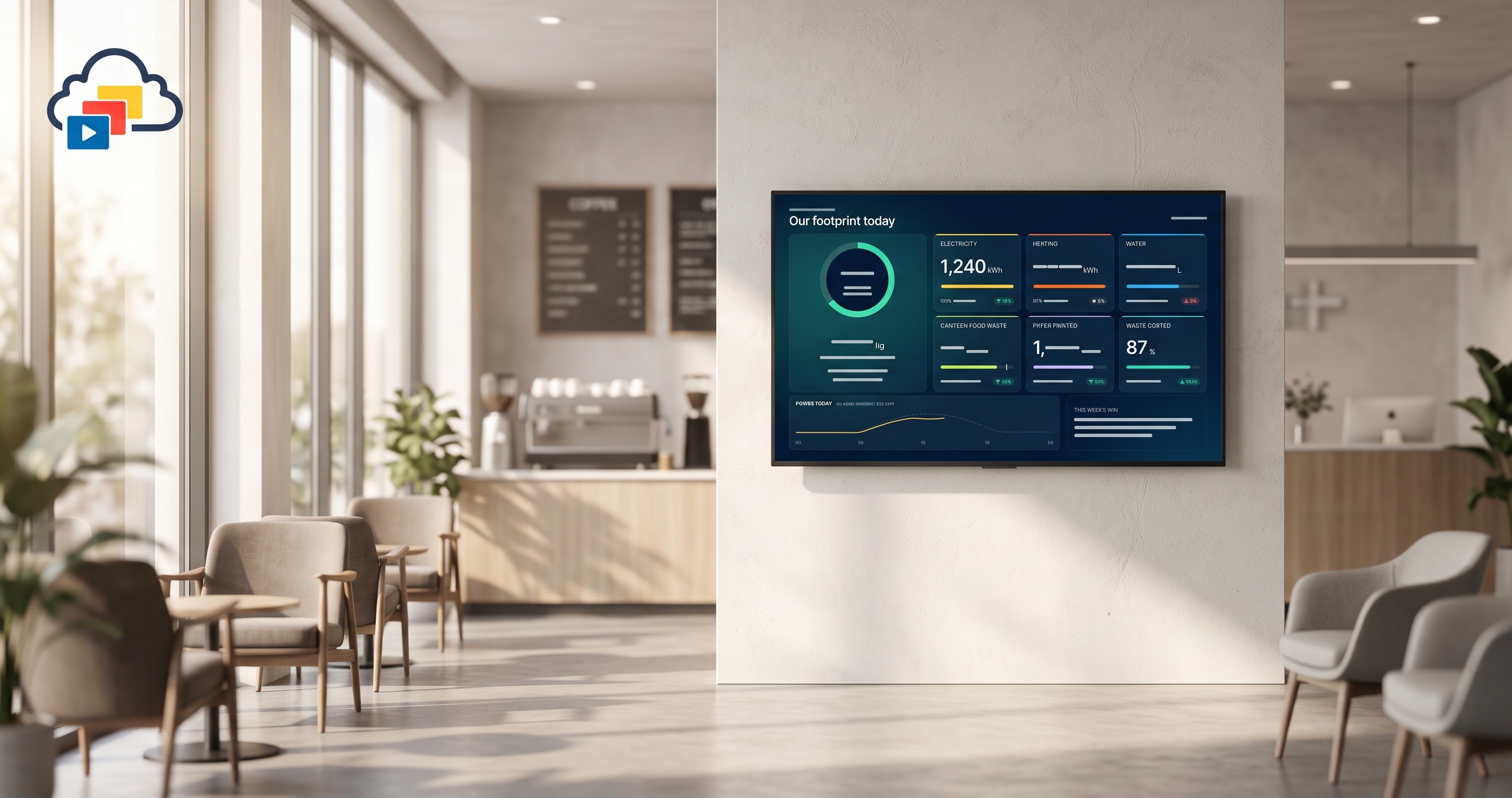
Live data templates: automate TV screens with your digital signage API
Push live data to TV screens through a digital signage API: build HTML/CSS templates, connect data, and automate with the MCP server.
Read article →
AI Digital Signage for Small Business: Slides in 60 Seconds
Turn a phone photo, voice note or link into a TV-ready slide with AI Studio. No design skills, no player box, and no invented prices. Try 3 slides free.
Read article →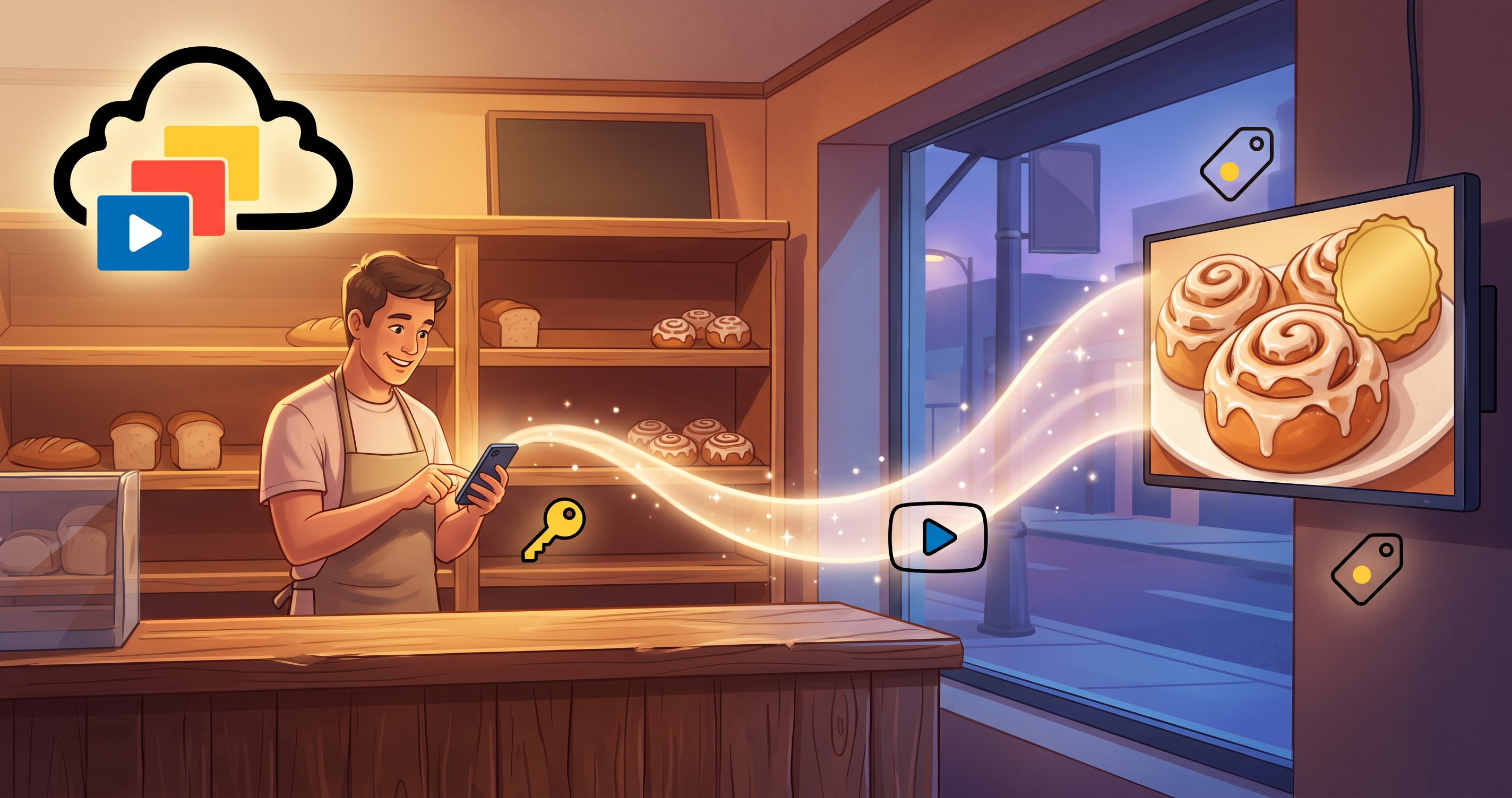
Connect your AI agent to your digital signage
Let an AI agent like Instinct run your digital signage. Create an API key, then change screens, prices and live data slides by sending a plain message.
Read article →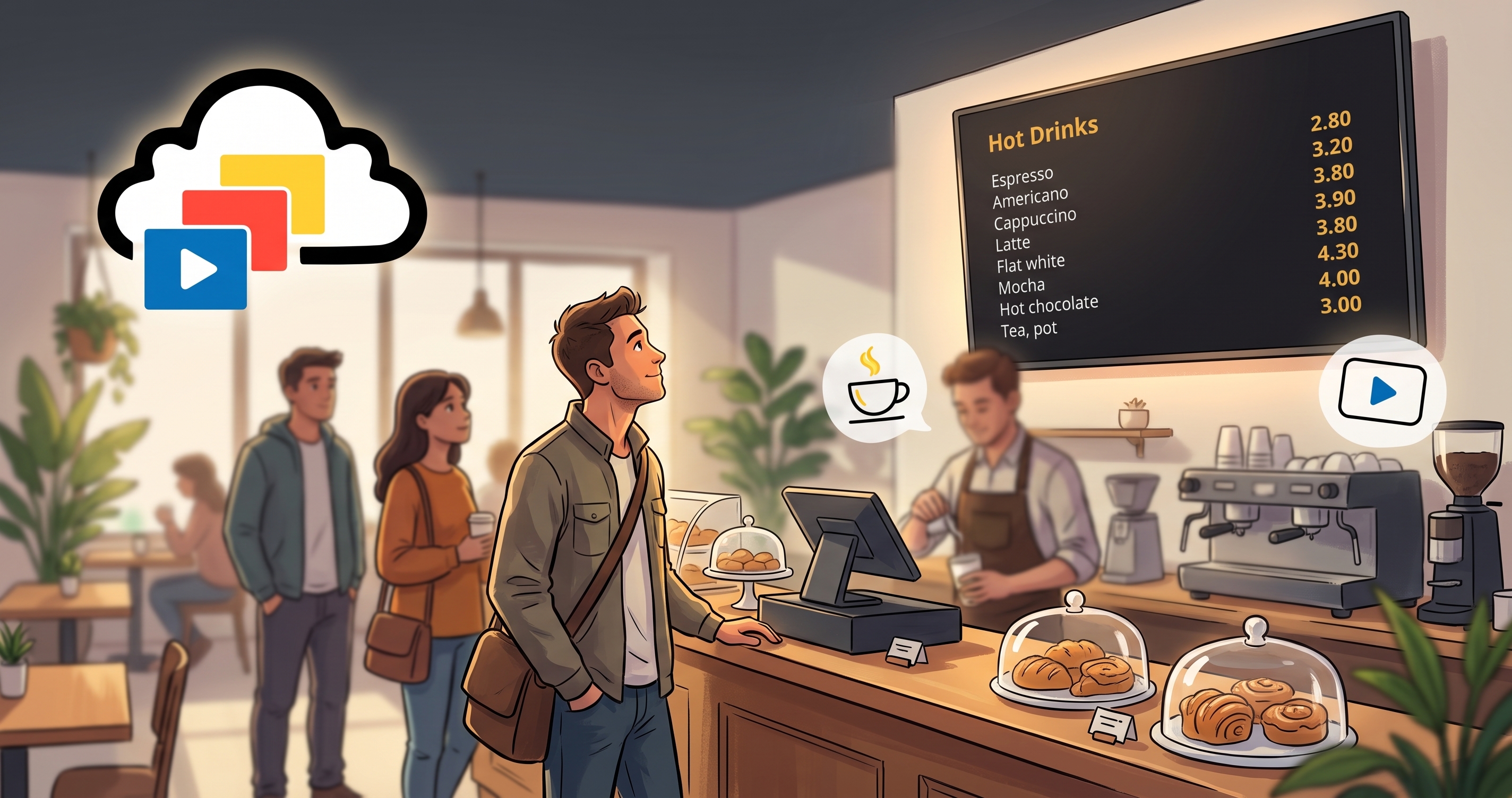
How to Make a Digital Menu Board in PowerPoint or Google Slides
Layout rules for a digital menu board built in PowerPoint or Google Slides, with step-by-step setup for each tool, common mistakes and how to put it on a TV.
Read article →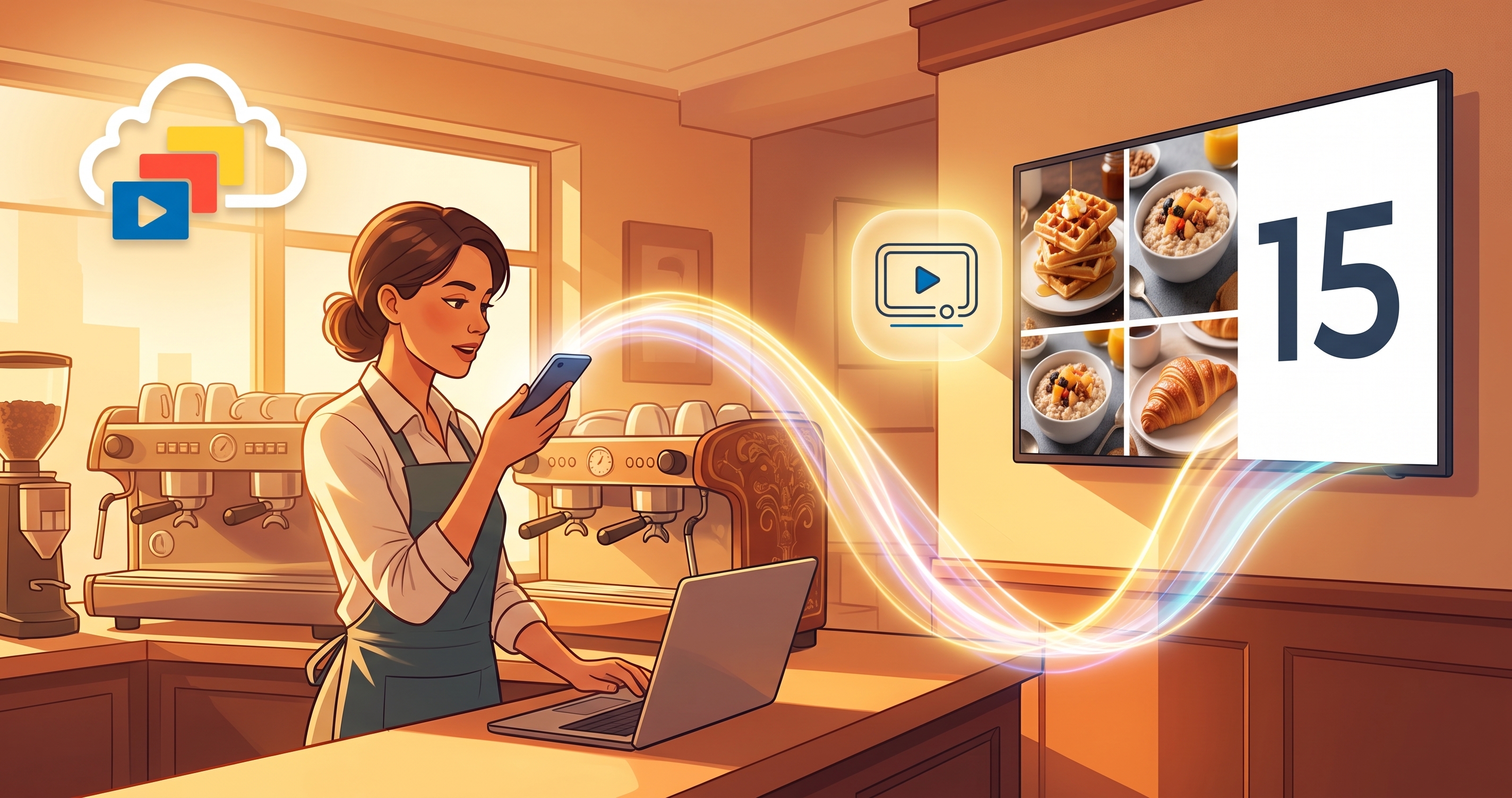
Run digital signage from Gemini and Antigravity
Ask Gemini to check, change and undo what your TV screens show. Set up InfoSlides in Gemini CLI, Antigravity or the Gemini app and compare them.
Read article →Agents guide to the InfoSlides galaxy
How an AI agent designs a slide template and connects live data to it: queue numbers, meter readings, scores or any field. Step by step.
Read article →Beyond 16:9 – Mastering Vertical and Custom Ratios
Designing for vertical totems or odd-shaped menu boards? How to size slides beyond 16:9 so nothing stretches, crops or looks off.
Read article →The "Squint Test" – Designing for Distance
A font that looks huge on your monitor can vanish 15 feet away. Use the squint test and a size-by-distance guide to keep slides readable.
Read article →InfoSlides dynamic template data schema
Paste a data schema instead of typing fields one by one. How InfoSlides templates map ticket numbers, rooms and prices to live data.
Read article →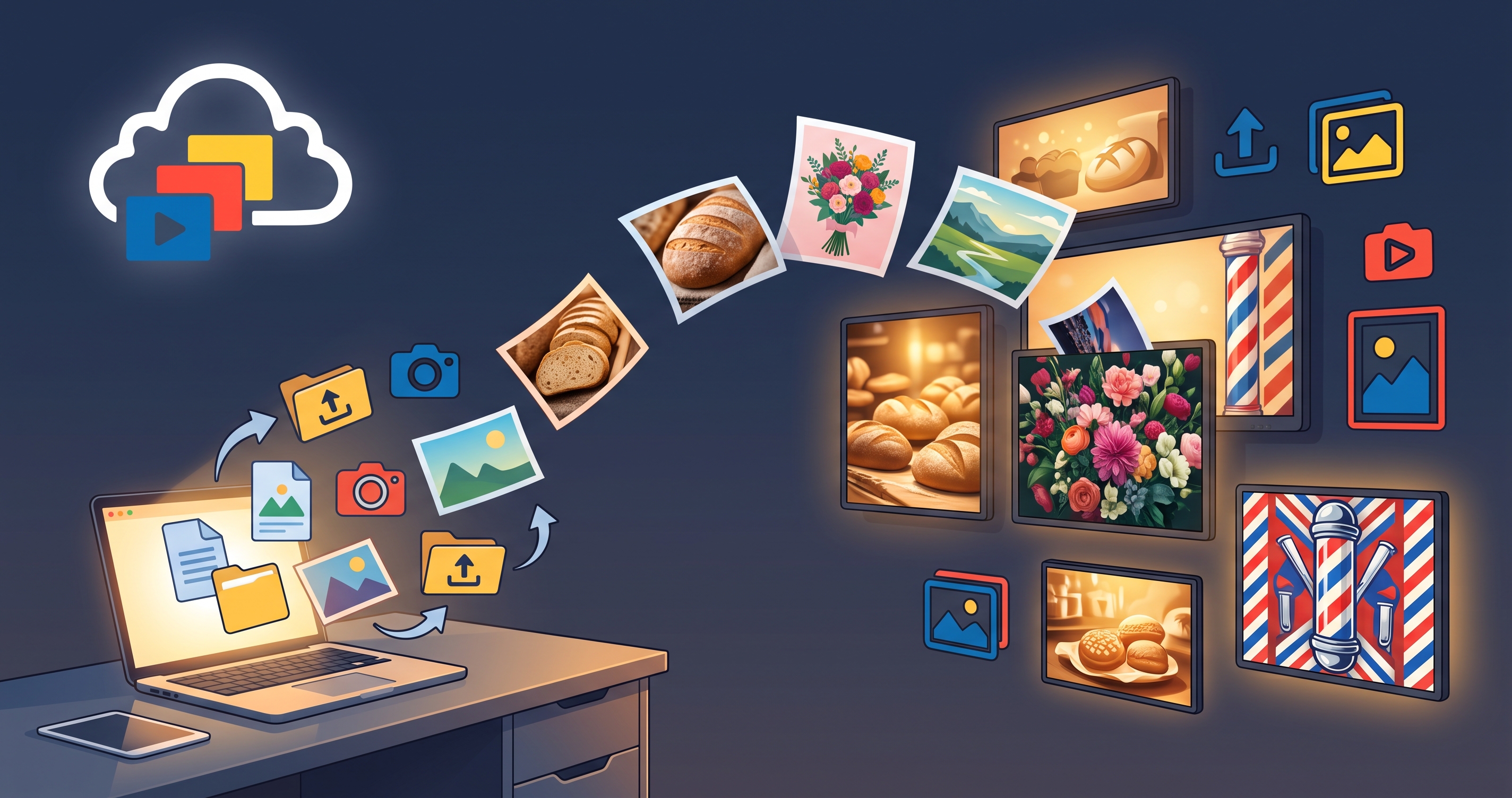
TV Signage Without a Designer: Stock Photos, PDF and Google Slides Import
Make TV signage without a designer. Pick Unsplash photos in the Slide Designer, or import PDF flyers, Google Slides and PowerPoint. Start on the free plan.
Read article →Getting your PowerPoint slides to TV
Turn a PowerPoint into an always-on TV display. The practical ways to do it, from USB sticks to cloud streaming, and which one to choose.
Read article →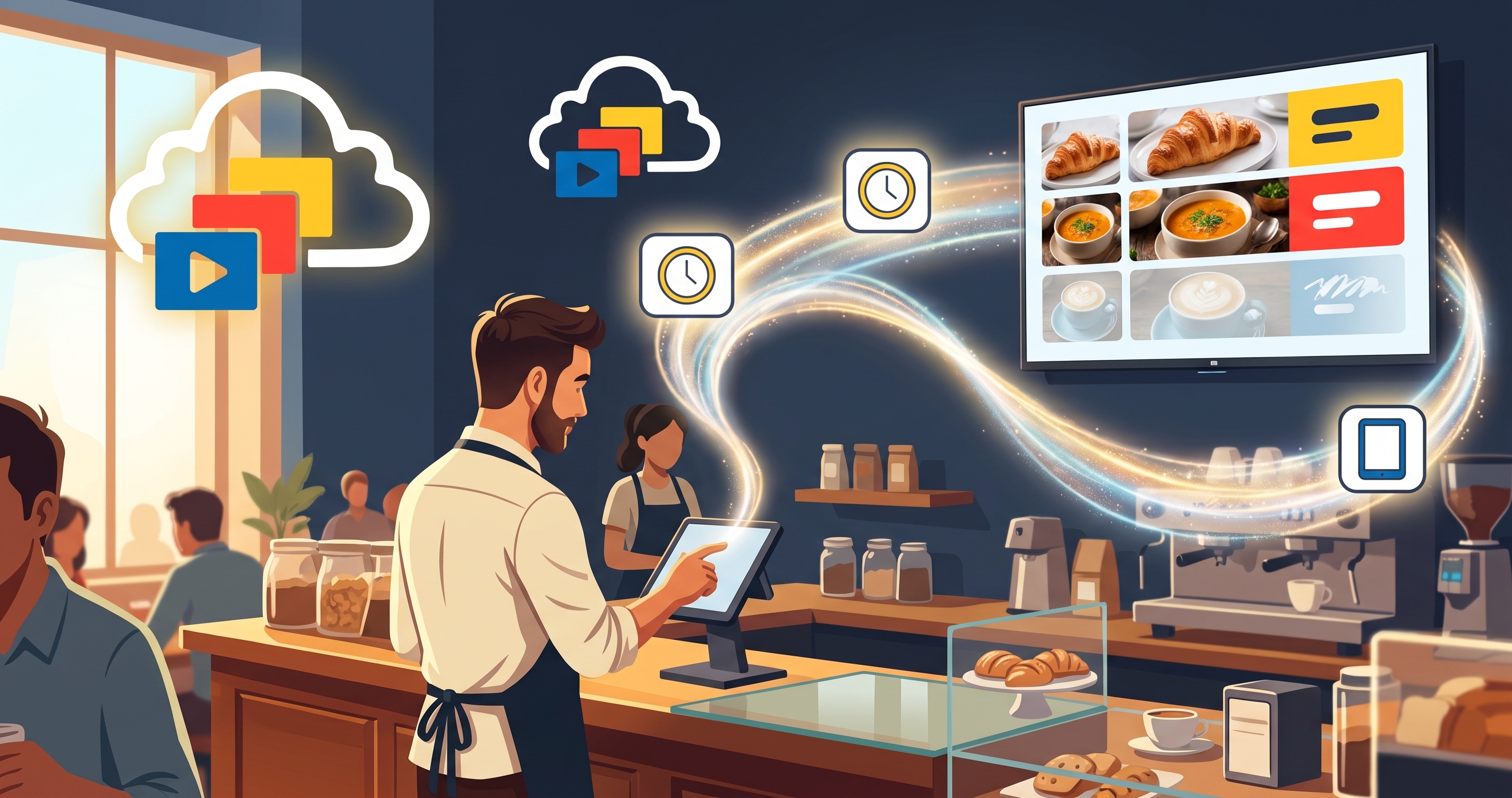
Stop updating your menu board by hand
A live menu board updates by itself when your till, kitchen or queue system sends a change. Here is how it works and how fast it shows up.
Read article →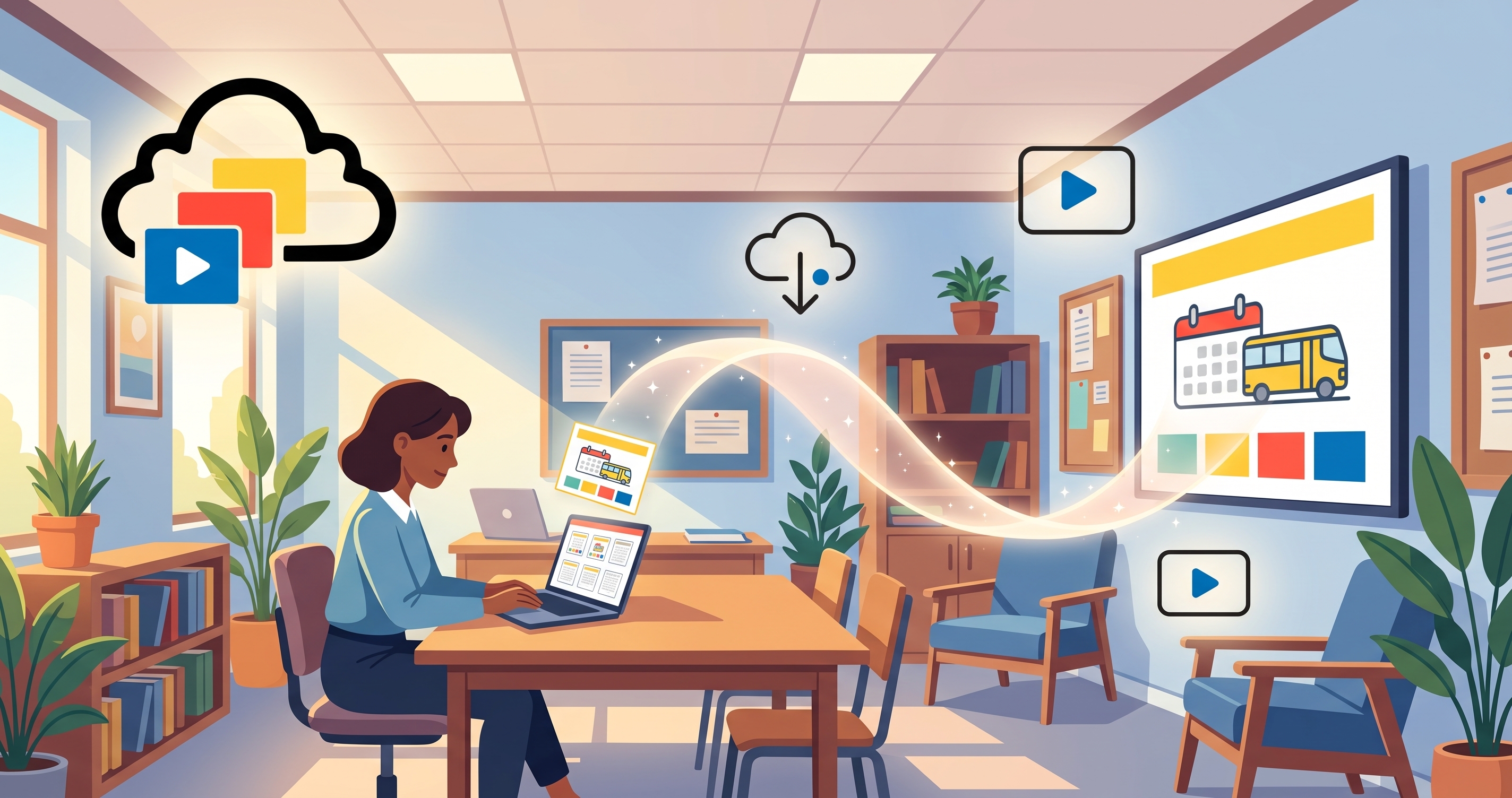
How to Play Google Slides on a Smart TV Without a Media Player
Import Google Slides from Google Drive and play them on an LG, Samsung or Android smart TV as digital signage, with no media player box or HDMI stick.
Read article →How to set up a digital menu board for your restaurant
Set up a digital menu board for your restaurant: update prices, show daily specials and switch breakfast to lunch automatically.
Read article →How to show live weather on a hotel lobby TV
Show live local weather on your hotel lobby TV so arriving guests see it at a glance. Setup steps for a self-updating weather slide.
Read article →Broadcast channels - display your content anywhere
A broadcast channel plays your content on any screen without the usual TV pairing flow. What it is, when to use it and how to set one up.
Read article →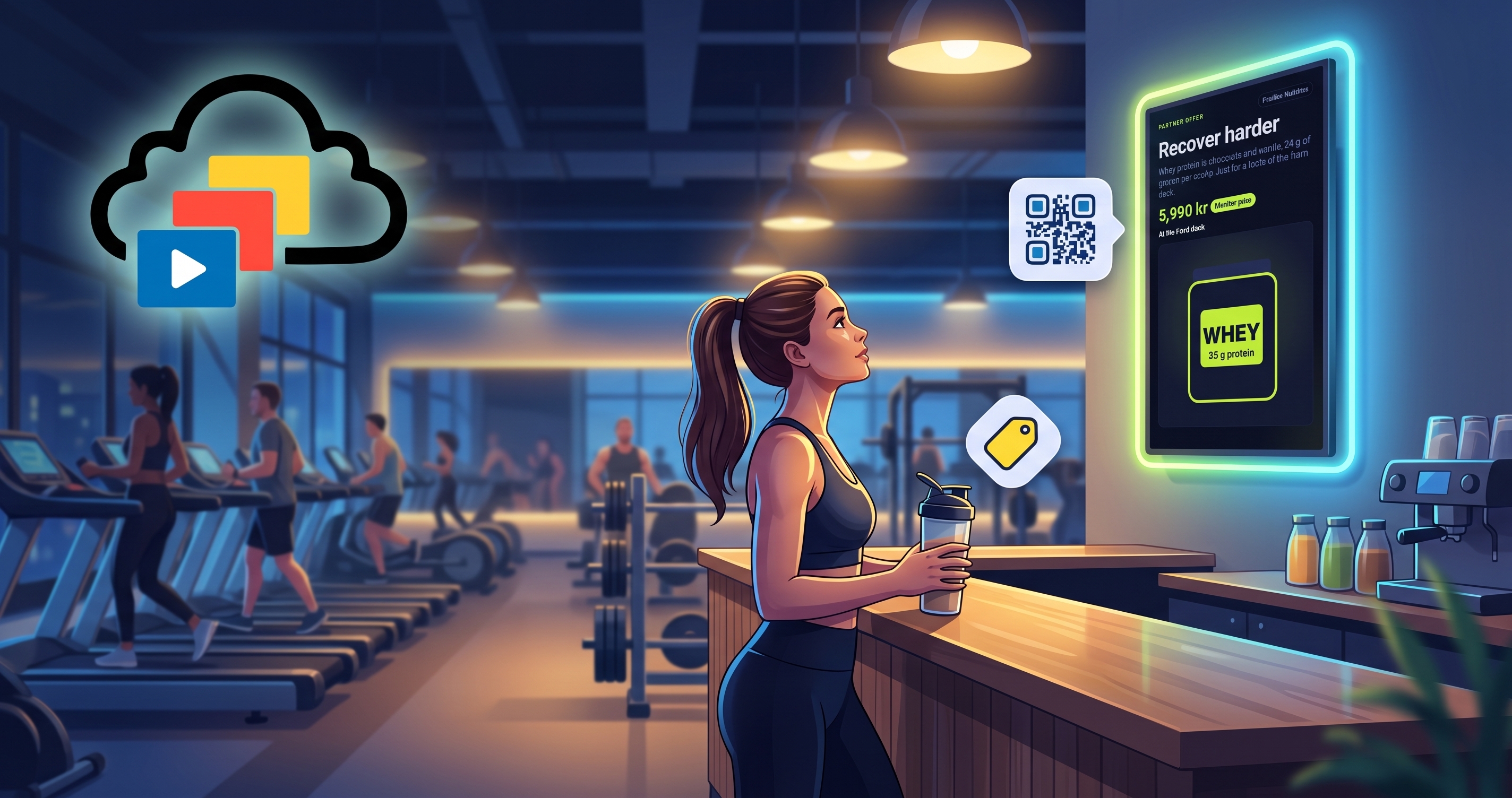
Gym Advertising Screens: Show Partner Offers in Your Own Branding
Digital signage for gym advertising: show supplier offers in your own branding. Labels, slot length, pricing models and time-of-day rules for partner slides.
Read article →How to install the InfoSlidesTV app on your screen
Pair any smart TV in minutes with the InfoSlidesTV app. Install steps, pairing code and troubleshooting.
Read article →Meet the InfoSlides CLI & MCP server: run your signage from the terminal — or hand it to an AI agent
Run your digital signage from the terminal or hand it to an AI agent. What the InfoSlides CLI and MCP server can do, and how to start.
Read article →