
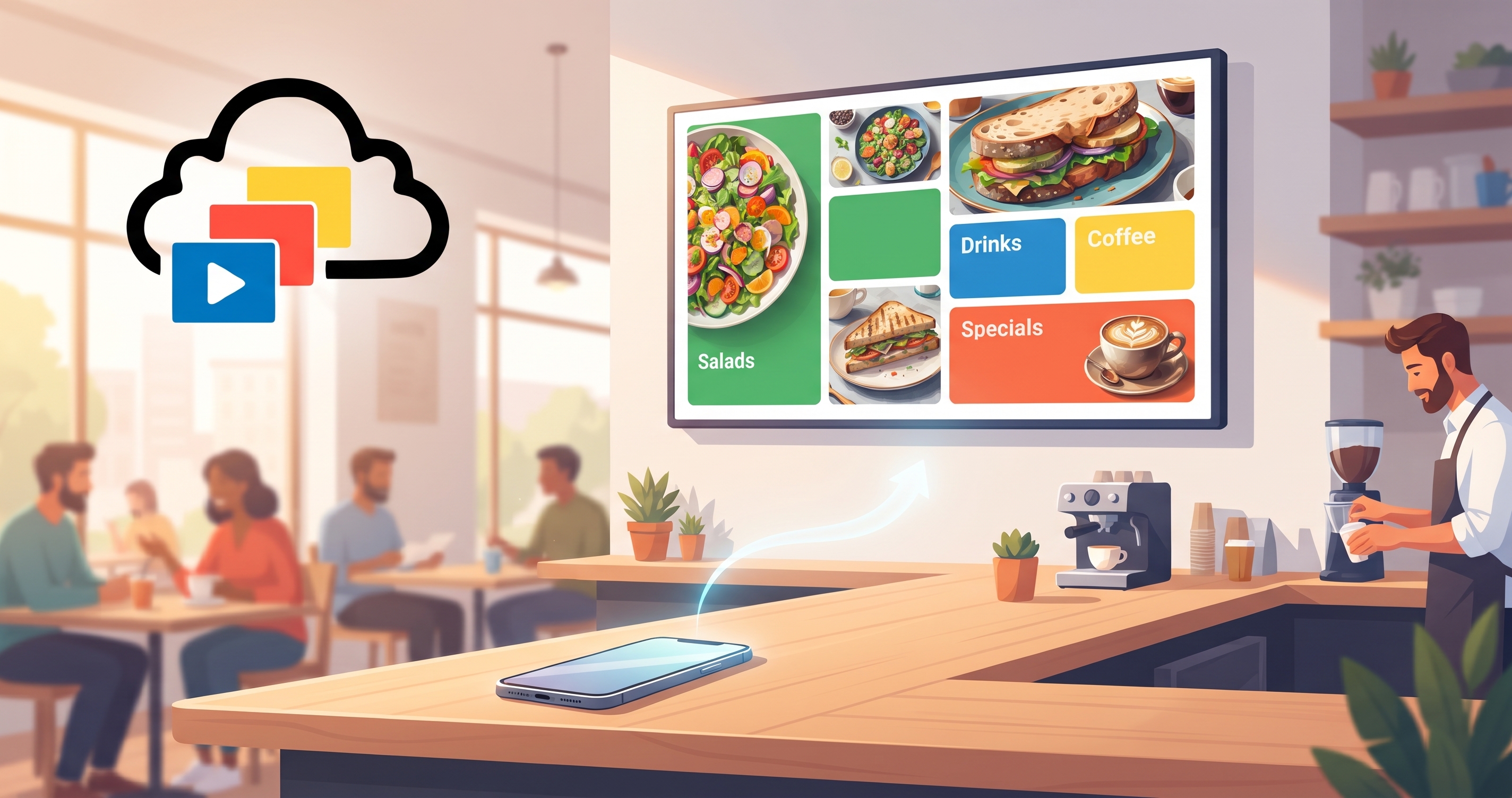
It is the lunch rush and the kitchen has run out of the salmon special. You take it off the menu board, then wait for the screen to catch up while customers keep ordering the fish. How long that wait lasts depends on how the screen receives its content, and that is the difference between a video stream and HTML digital signage.
InfoSlides can deliver a slideshow either way. This post explains how each mode works, what changes for you, which screens play HTML today and where HTML is not the right choice.
Video stream and HTML playback in plain terms
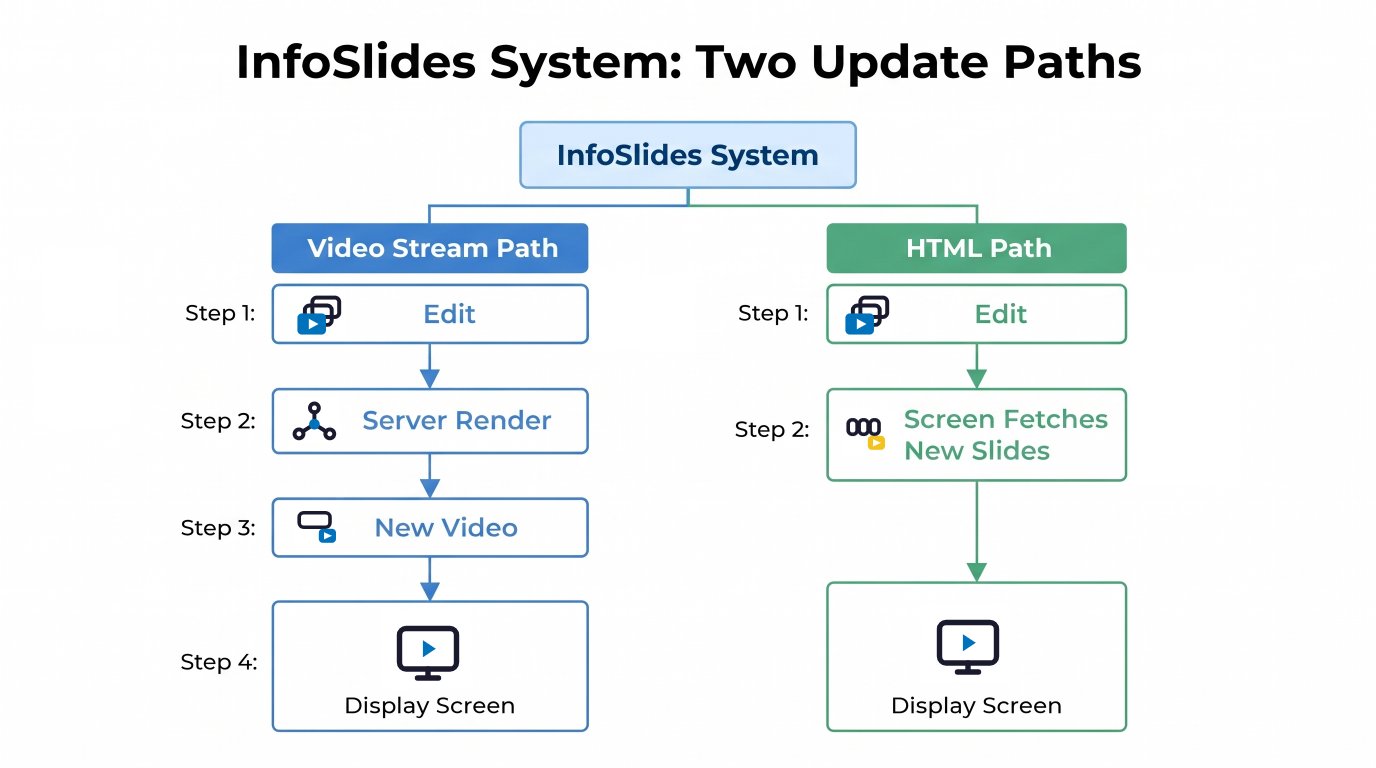
With a video stream, InfoSlides renders your slideshow into a continuous HLS video on the server and the screen plays that video. When you edit a slide, the server has to render again before the change can appear. The old video keeps playing until the new one is ready. How long the render takes depends on the slideshow: a small change to a deck that was rendered before is quick, a large deck with video can take longer.
With HTML playback, the screen receives the slides and their timings and plays them itself, cycling through images and videos with the transitions you chose. There is no video encode step on the server, so an edit does not wait for one.
| Question | HTML playback | Video stream (HLS) |
|---|---|---|
| How does an edit reach the screen? | The screen fetches the updated slides and swaps them in at the end of the current loop | The server renders a new video first, then the screen switches to it |
| Live data slides | Can refresh without a new render | Re-rendered when the data changes |
| Uploaded videos | Played directly | Encoded into the stream |
| Screens that can play it | See the list below | Any screen with the InfoSlides app, and broadcast channels |
What changes for a café, shop or reception desk
Edits do not wait for a render
When you change a price, mark a dish as sold out or fix a typo, the HTML player picks up the new version the next time it checks for changes and applies it when the current loop of the slideshow ends. That is quick, but not instant: a long loop means a longer wait for the swap. You can make the edit from the web app on a phone.
Live data stays current
If you show a weather forecast, a news ticker or an order queue, live data slides can update on screen without the slideshow being rendered again. Read more about this in how a live menu board updates automatically.
Automatic mode picks the mode for you
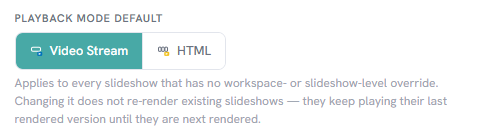
New workspaces start with the Automatic playback mode. InfoSlides plays a slideshow as HTML unless a screen that shows it needs a video stream. A slideshow needs a video stream when:
- a screen that plays it cannot play HTML yet, for example an older app version, or
- a screen that plays it is a broadcast channel.
The slideshow details page shows the reason for the current choice. You can also force a mode for one slideshow or for the whole workspace in the playback mode settings.
Which screens play HTML today
- Any browser, including a smart TV browser opened on
infoslides.app/pair. - Android app version 1.2.0 and later.
- LG webOS app version 1.3.0 and later.
- Amazon Fire TV app.
- Samsung Tizen app: the version with HTML playback is still in store review. Until it is approved, Samsung screens using the app play the video stream. A Samsung TV that opens the pairing page in its browser plays HTML.
If a screen cannot play HTML, InfoSlides falls back to the video stream for that slideshow, so the screen does not go blank. The install guide for the InfoSlides TV app shows how to get the current version.
What HTML playback does not change
- It does not need extra hardware. Both modes run on the smart TV you already own, as described on the small business digital signage page.
- It is not always the better choice. Broadcast channels and screens with an older app use the video stream.
- Your slides look the same in both modes. The difference is how they reach the screen, not how they are designed.
- The screen still needs an internet connection to receive changes.
Questions about HTML digital signage
What is HTML playback mode in digital signage?
The screen plays your slides itself instead of playing a video rendered on the server, so an edit does not wait for a video encode.
How fast does a change show up on the screen?
The screen picks up the new version when it next checks for changes and swaps it in at the end of the current loop. The exact delay depends on the length of your slideshow.
Do I have to choose the mode myself?
No. Automatic mode chooses HTML unless one of the screens playing the slideshow needs a video stream. You can override it per slideshow.
Does my Samsung TV play HTML mode?
Not through the Samsung app until the new version passes store review. Opening the pairing page in the TV browser does play HTML.
Try it on one screen
InfoSlides has a permanent free plan that covers one screen, with no credit card required. Pair a TV, create a slideshow and look at the reason InfoSlides shows for its playback mode. Plan allowances are listed on the pricing page.
Related reading: how to use a TV as a digital menu board and getting your PowerPoint slides to a TV.