
Plenty of tools sell themselves as free digital menu board software. The word covers very different deals: a permanent plan for one screen, a trial that ends after a week, or a free editor that charges you the moment you want the menu on a TV. Knowing which one you are looking at saves you rebuilding your menu later.
This guide gives you five questions to judge any free plan, then lists what the InfoSlides free plan includes and what it does not.
Five questions to ask of any free digital menu board software
- Does it expire? A trial and a free plan are different things. Look for an end date in the small print.
- How many screens? One is common. If you have a counter screen and a window screen, check before you start.
- Does the screen carry a watermark? A small mark in a corner is a fair trade. A large one across a customer-facing menu is not.
- Can you use the menu you already have? If you must rebuild it in the tool's own editor, the free plan costs you time instead of money.
- What happens when you outgrow it? Look for a clear path to a second screen or live prices, and check that your work carries over.
What the InfoSlides free plan includes
- One screen, with no end date and no credit card. The plan also includes 4 slideshows, 2 users and 200 MB of storage.
- Your own menu. Upload a PowerPoint or PDF file, or import a Google Slides deck. Nothing needs rebuilding. If you are starting from scratch, see how to make a digital menu board in PowerPoint or Google Slides.
- Any smart TV. Pair through the TV's browser, or use the Android TV, LG webOS or Amazon Fire TV app. Samsung TVs pair through the built-in browser. How to install the InfoSlidesTV app walks through each one.
- One live data slide. One slide can be fed by your own data, for example prices or stock levels sent from your till.
- A small watermark. The screen shows a small "Powered by InfoSlides" mark.
What costs extra
- More screens and slideshows. The free plan covers one screen and 4 slideshows.
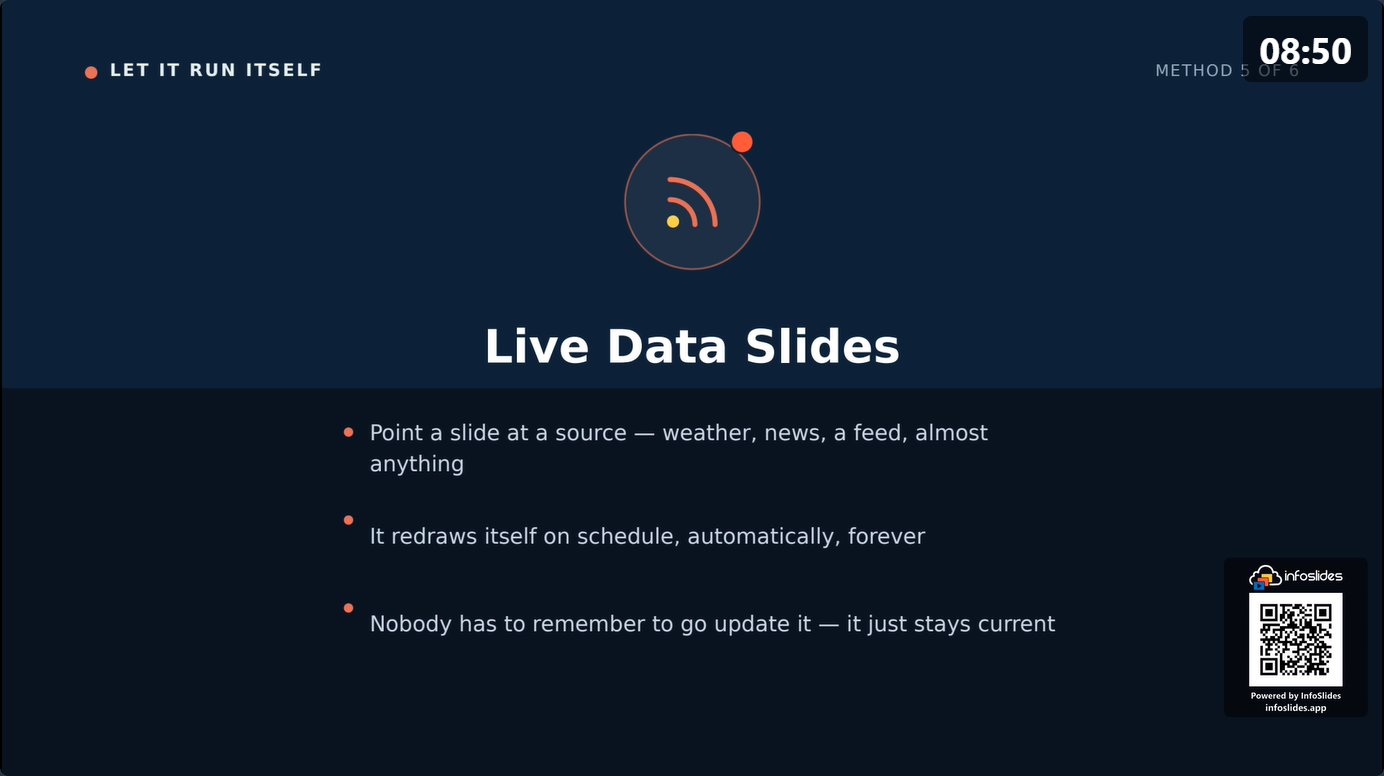
- More live data. Weather, news and other ready-made feeds, and more than one live data slide, need a paid plan.
- No watermark. Paid plans stream without the "Powered by InfoSlides" mark.
- AI Studio. It is free to try for 7 days, then part of the paid plans. It drafts slides from a typed note, a photo of a printed menu or a spreadsheet.
Plans change, so check the pricing page for current details.
When free is enough
A single café with one menu screen, a menu that changes a few times a month, and a team that is happy to edit a file and upload it again. That setup fits the free plan. If you are still deciding whether the TV you have will do, read how to use a TV as a digital menu board.
When to move up
- You want a second screen, for example a window display next to the counter screen.
- Several slides should update themselves, or you want weather and news next to the menu. How a live menu board updates by itself explains how that works.
- You would rather not show the watermark on a customer-facing screen.
Questions
Is there free digital menu board software that does not expire?
Yes. The InfoSlides free plan has no end date. It covers one screen and needs no credit card.
Can I use a free digital menu board on a Samsung TV?
Yes. Open the pairing page in the Samsung TV's built-in browser and enter the code. Android TV, LG webOS and Amazon Fire TV devices can use the InfoSlidesTV app.
Does the free plan put a watermark on my menu?
Yes, a small "Powered by InfoSlides" mark. Paid plans remove it.
Do I lose my menu if I upgrade?
No. Your slideshows and your paired screen stay as they are when you move to a paid plan.
What do I need besides the software?
A smart TV, or a TV with a streaming stick, and an internet connection. More on that in is a digital menu board just a TV? and on the digital menu board page.
Start with the free plan
Upload the menu you have, pair one TV, and see how it reads from across the room. If you outgrow the plan, your slideshows and your screen carry over.